Creating a drawing template
Save your individual basic settings in a template file so that you can start creating a new drawing immediately.
How to create a new drawing template file:
- Open any drawing.
- Set up the drawing according to your needs.
- Click on File > Save as
 on the Ribbon
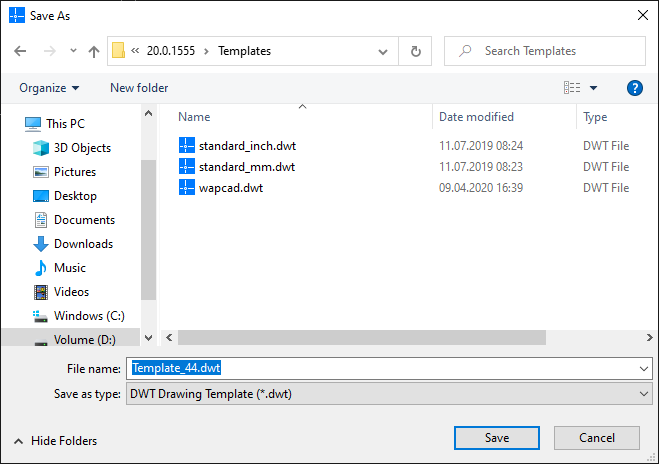
 - Enter a filename for the template.
- Select the file type DWT Drawing Template.
- Click the Save button.