Saving 3D Solids in SAT file format
How to Export a 3D Solid in SAT File Format:
- Click on 3D Solid > SAT Export
 on the Ribbon.
or
- Enter SATOUT in the command window.
- Select the 3D Solids that you want to export in the graphics area.
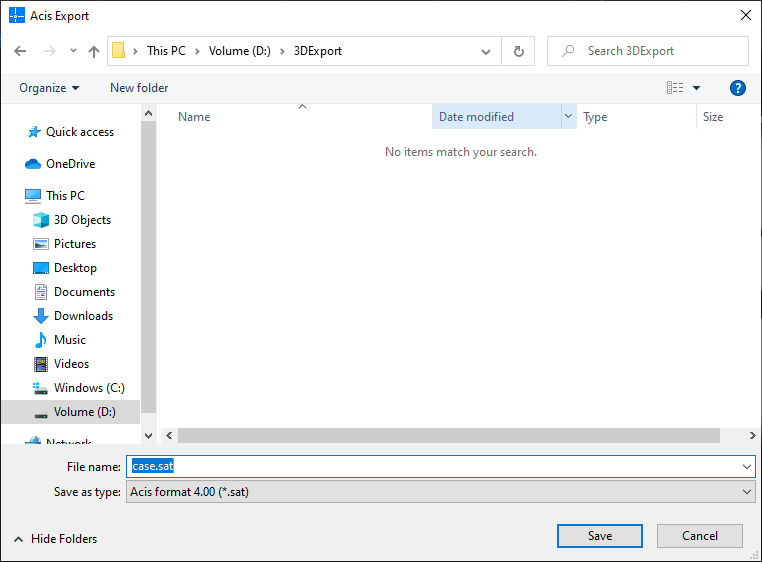
- Define a storage location and a File name in the dialog box.
- Click the Save button.