UCS Manager
With the UCS Manager you can activate, rename and delete user coordinate systems (UCS).
How to open the UCS Manager:
- Click on View > UCS Manager
 on the Ribbon.
or
- Enter UCSMAN in the command window.
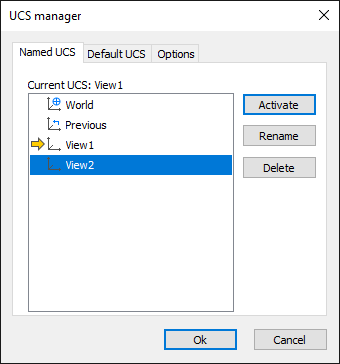
How to activate a view:
- Select the view that you want to activate.
- Click the Activate button.
How to delete a view:
- Select the view that you want to delete.
- Click the Delete button.
How to rename a view:
- Select the view that you want to rename.
- Click the Rename button.
- Enter the new name for the view.
How to activate a Default UCS:
- Select the tab Default UCS.
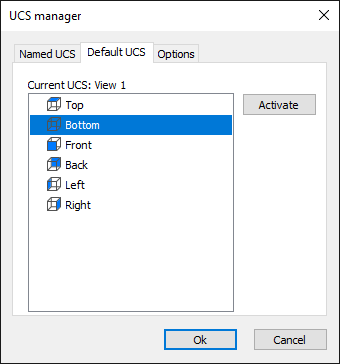
- Select the view that you want to activate.
- Click the Activate button.
How to set options:
- Select the tab Options.
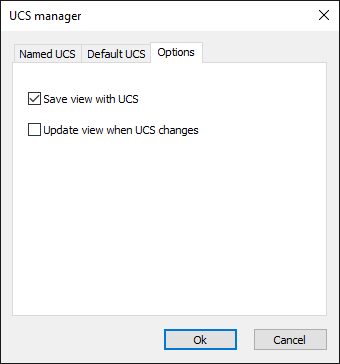
- If necessary, activate the option Save view with UCS.
- If necessary, activate the option Update view when the UCS changes.
If this option is set, the top view is automatically displayed when the coordinate system is changed .