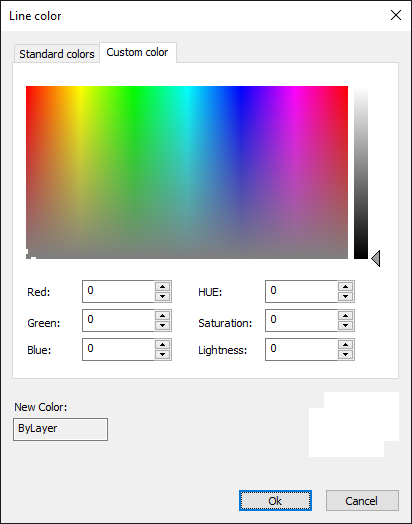
Line color
With the command Color you define the line color for new drawing elements.
This is how you determine the color for new drawing elements:
- Click on Format > Line color
 on the Ribbon.
or
- Enter COLOR in the command window.
- Choose a color from one of the Standard Colors or Custom Color tabs
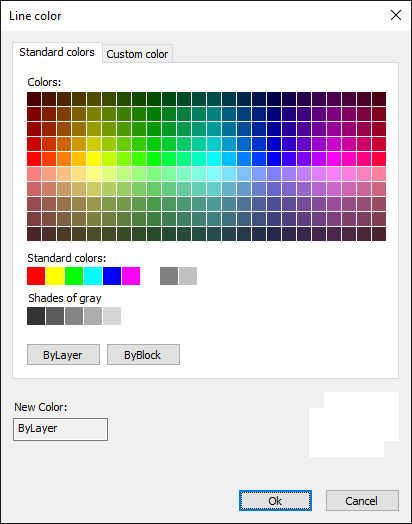
Standard colors tab, possible options are:
255 standard colors
ByLayer: New drawing elements are given the color of the layer on which they are located.
ByBlock: New drawing elements are initially white or black, depending on the color of the graphics area.
As soon as the new drawing element is combined in a block, the new drawing element is given the color of the block.
Custom Colors tab:
Enter an RGB value to define the color.
- Click on Ok to complete the command.
Line color dialog - Standard colors tab
Line color dialog - Custom colors tab