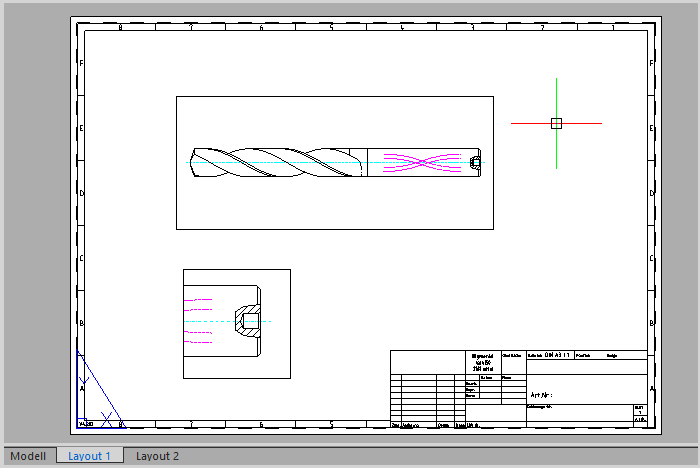
Model space and Paper space
There are two different working environments, Model space and Paper space.
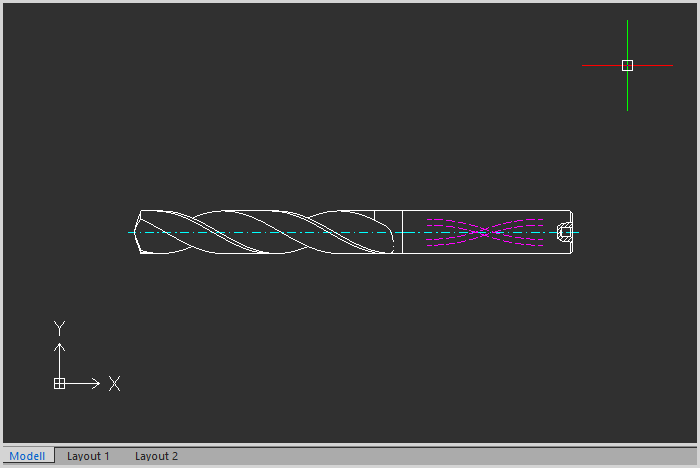
The Model space
You usually start creating a new drawing in unlimited model space. It is best to determine immediately whether a drawing unit corresponds to a millimeter, a centimeter, an inch or another unit of measurement. The drawing is then done on a scale of 1: 1.
The Paper Space
To print the drawing, switch to paper space. You can create one or more layouts (print pages) here. In a layout, you create various layout viewports and other elements such as a title block or parts list. A layout viewport shows a portion of model space. The model space views are scaled relative to paper space. A drawing unit in the paper area is the same as the unit on the paper side (millimeters or inches, depending on the setting).